







BC Poker Rooms: Choosing the Right Table for Your Game
BC poker rooms help players match a table with their preferred format, pace and bankroll. The lobby groups available options by structure and stake, making comparison easier before taking a seat. Select a suitable room and work toward welcome benefits worth up to $335.
Key Takeaways
- Room choice should reflect bankroll and session pace.
- Game structures support different decision styles.
- Restricted freerolls may require a code or ticket.
- Active tables can be changed without logging out.
Types of Poker Rooms BC Offers
The poker room BC presents is divided into categories for different session plans. Cash play allows direct entry at a selected limit, while scheduled events begin at a set time. Compact formats suit users who want fewer decisions and shorter sessions.
Available room types include:
- no limit Texas Hold’em cash tables across several blind levels;
- pot limit Omaha in four-card and five-card versions;
- Short Deck using a reduced card deck;
- All-in-or-Fold with only push or fold choices;
- tournaments, satellites, freerolls and Spin & Go games.
Each category has its own pace, betting structure and entry method. Players can review available seats before committing funds. This keeps the choice connected to the planned session rather than habit.

How Stakes Differ Between Poker Rooms BC
The poker rooms BC players see in the lobby cover varied blind levels and buy-in requirements. Lower limits reduce the amount committed per decision, while upper limits create larger bankroll swings. No Limit Hold’em tables can accept stacks reaching 400 big blinds.
| Blind Level | Minimum Buy-In | Maximum Buy-In |
|---|---|---|
| $0.02/$0.05 | $2.50 | $12.50 |
| $0.20/$0.50 | $25 | $125 |
| $5/$10 | $500 | $2,500 |
| $50/$100 | $5,000 | $25,000 |
Required capital rises sharply with the blinds. A suitable limit should leave enough funds for ordinary variance without forcing an immediate reload. Players can reassess the room when their stack, focus or plan changes.
Low-Stakes Rooms for Beginners
Lower-limit tables let new players study betting patterns while containing the cost of mistakes. They are useful for practising position, hand selection and post-flop decisions. Smaller pots also support a measured bankroll plan.
A low limit should not be treated as risk-free. Repeated loose calls can still drain available funds. Fixed session limits, selective starting hands and regular breaks provide better control.
High-Stakes Rooms for Experienced Players
Upper-limit tables suit players who understand deep-stack pressure, wider sizing and stronger variance. Each decision carries more financial weight, so technical errors become costly quickly. Preparation matters as much as confidence.
The bankroll should support repeated downswings before a seat is taken. Watching the table first can reveal stack depth and current activity. Leaving a poor lineup is often better than forcing action.
Finding a BC Poker Freeroll Password
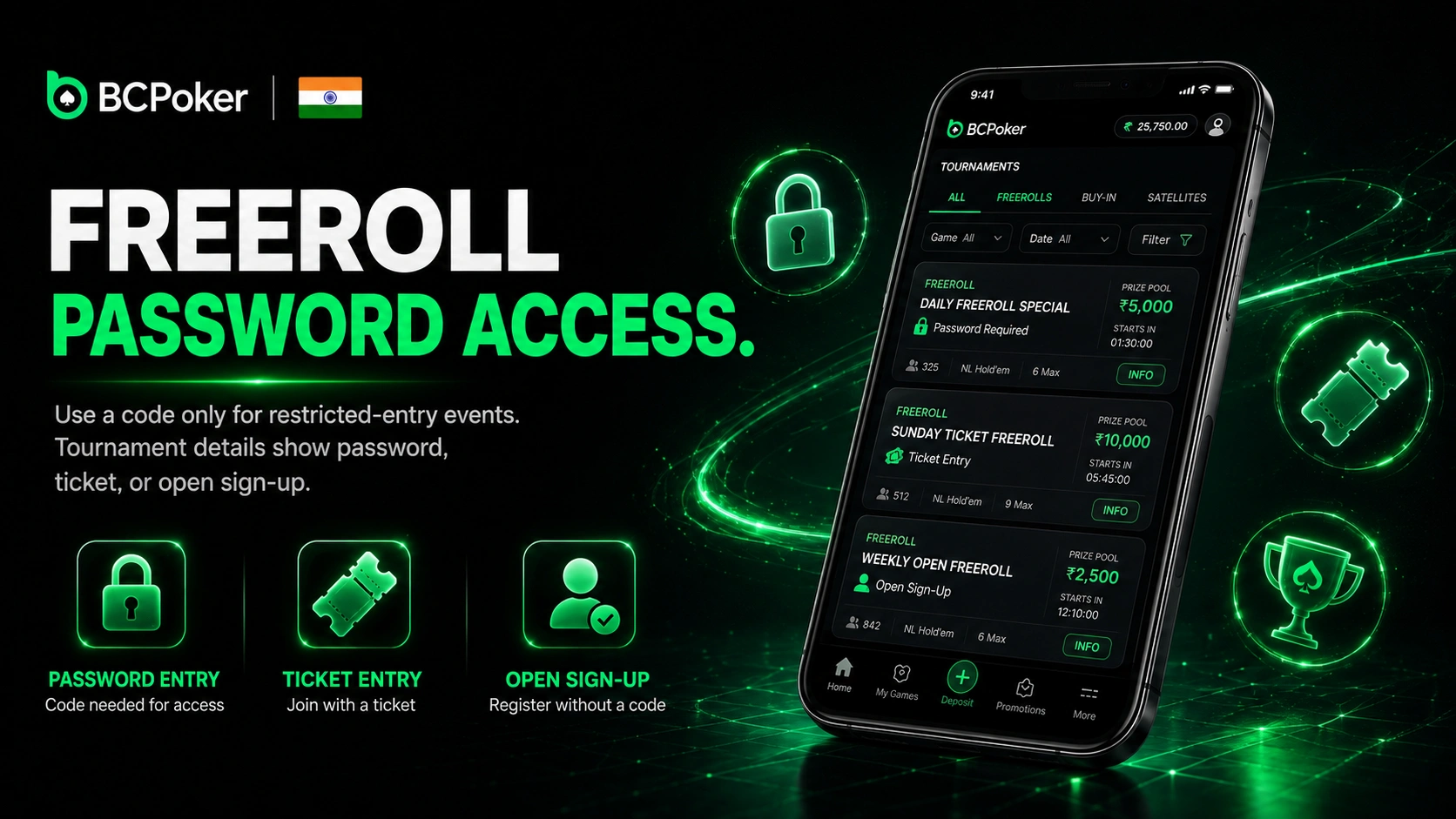
The BC poker freeroll password is needed only when an event uses restricted entry. Tournament details show whether registration requires a code, ticket or open sign-up. Protected events may relate to a campaign, partner activity or closed group.
Follow these steps.
- Open the event: select the freeroll in the tournament lobby.
- Check entry terms: read the description and registration method.
- Enter the code: copy the password exactly, including the letter case.
- Confirm registration: check that your name appears in the player list.
A code may expire when registration closes or capacity is reached. Repeated guessing is less useful than reviewing the event details. The scheduled start time should also be checked before leaving the lobby.
What to Do If a BC Poker Room Reopen Notice Appears
The BC Poker room reopen notice means the table is temporarily unavailable but expected to return. It may follow maintenance, a restart or too few active players. The message does not require another account or repeated transactions.
Return to the lobby and review the table status before reconnecting. Another available room can be used while the original remains paused. Once the listing becomes active, the seat can be selected normally.
Switching Between Rooms During a Session
Players can change tables without closing the wider session. Open games appear in tabs at the top of the interface. Up to four tables can run simultaneously on desktop or mobile.
Use a controlled switching process.
- Review the lobby: compare seats, limits and current activity.
- Open the new table: select it while the first remains available.
- Finish pending action: do not leave during an unresolved hand.
- Close the old tab: exit after the table confirms departure.
This method allows a format or limit change without logging out. It also reduces the chance of overlooking an active hand. Extra tables should remain manageable at the player’s normal decision speed.